Workflow
A workflow defines the lifecycle of a period context item. It specifies the states the item can move through, from a start state to an end state, with optional intermediate states in between. Each time the item moves to a new state, the transition is recorded, giving a complete picture of how the event progressed over time.
Workflows are configured independently of context item types and can be reused across multiple types. A workflow is attached to a type, not directly to a context item.
Only context item events can have a workflow.
Elements
The display name of the workflow. This is what appears in the context item type configuration when selecting a workflow to attach.
A workflow consists of an ordered list of states.
Every workflow must have a start state and an end state. Any number of intermediate states can be added between them.
When a context item reaches the end state, it is considered closed. A period context item that has not yet reached the end state is considered open.
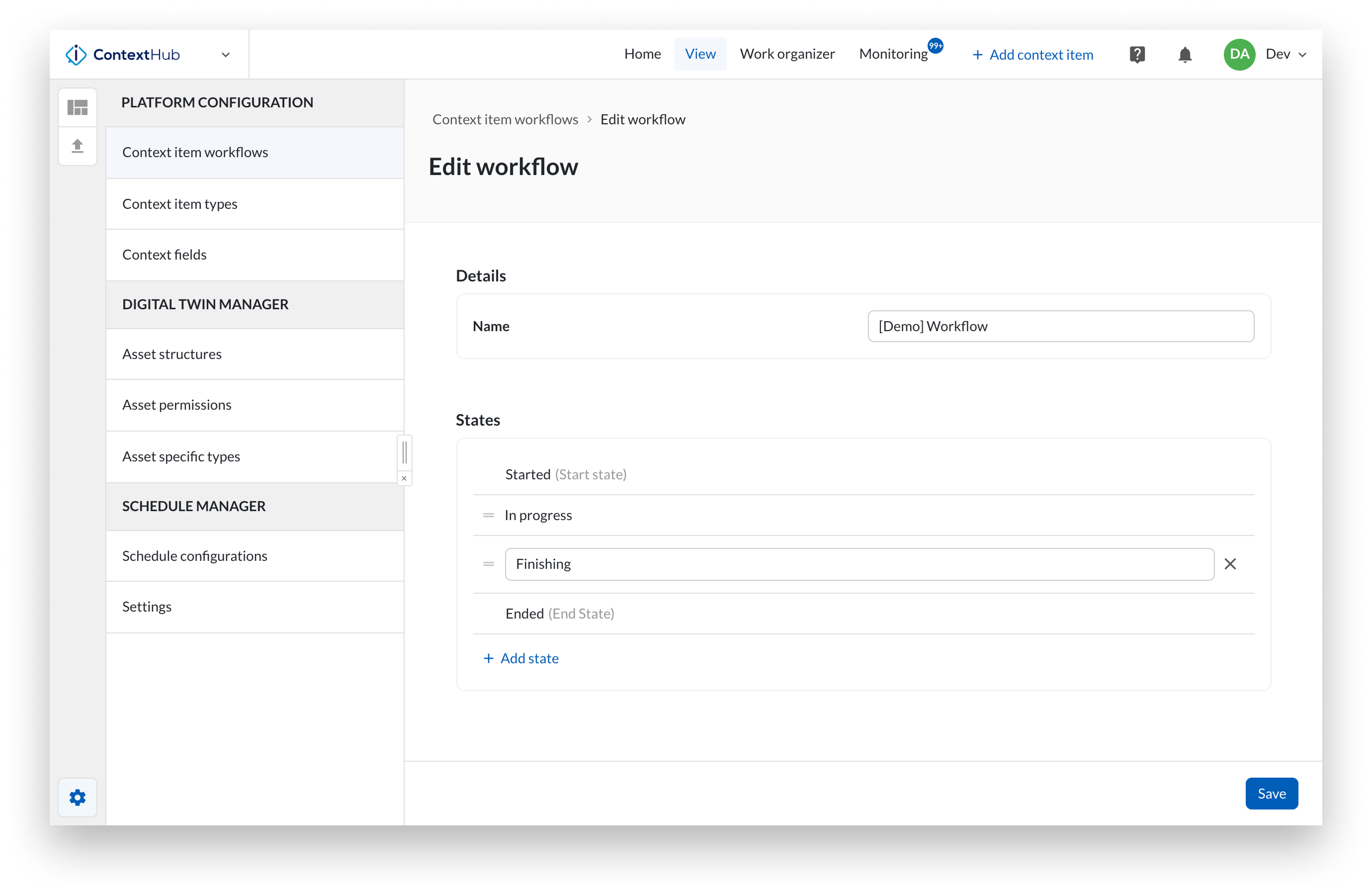
In ContextHub, open the configuration menu by clicking the gear icon.
Select Context item workflows from the list.
To create a new Workflow, click Add item.
To edit an existing Workflow, click the three-dot menu and select Configure workflow.
Enter a name.
Define the start state and the end state.
Optionally add intermediate states between the start and end.
Click Save.
After saving, attach the workflow to one or more context item types in the context item type configuration.
Warning
A workflow cannot be deleted if it is attached to a context item type.
Once a workflow is saved, the start and end states are fixed. Only intermediate states can be reordered or removed.