ContextHub
ContextHub is the place where you manage and explore context items. It gives you a structured overview of the events recorded across your processes, and lets you search, filter, and visualize them to understand what happened and when.
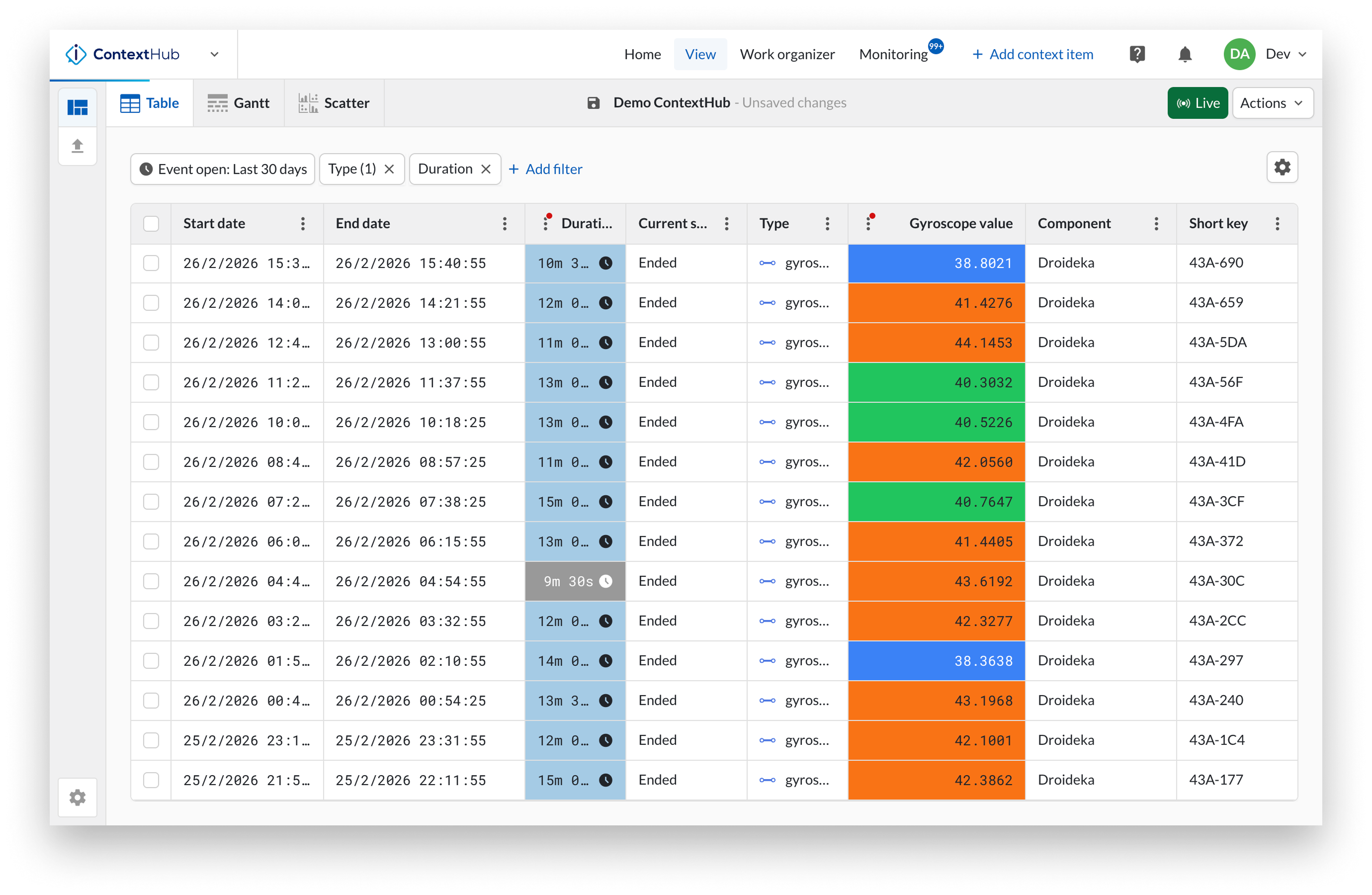
You work with context items through context views. A context view is a search on your context data within a time range, with optional filters applied to narrow down the results. Filters can be set on component, type, workflow state, approval status, keywords, field values, and more. Once configured, a view can be saved and shared with other users.
From a view you can visualize items in three ways: a table for structured browsing and bulk actions, a Gantt chart for seeing events on a timeline, and a scatter plot for exploring correlations between field values.
When you need to act on an item, you can open it directly from any view to edit it, add comments or attachments, record an approval, or navigate to the related data in TrendHub. A view can also be opened in TrendHub for further analysis on the associated time series data, or shared in DashHub to democratize insights and follow-up. New items can be created directly in ContextHub from the table or Gantt view.